
My Google Business Profile is Suspended! What Do I Do Now?
Discovering your Google Business Profile (GBP) has been suspended can be truly alarming for any business owner. One day you’re ranking well, attracting local customers, and the next, your digital storefront is gone. Don’t panic! While a suspension feels like a major setback, you can often resolve this issue.
This article walks you through understanding why Google suspended your GBP, the critical immediate steps to take, and how to navigate the reinstatement process. We’ll also highlight why a specialized service is your best ally in getting back online swiftly.
Why Was My GBP Suspended? The Common Culprits
Google aims to maintain a high-quality, trustworthy local search experience. A profile violates their guidelines, and Google initiates a suspension. Understanding the common reasons helps you identify the potential cause for your own suspension.
1. Quality Guideline Violations: These are the most frequent reasons for a suspension.
They can include:
- Inaccurate Business Name: You use keywords or locations in your business name that aren’t part of your legal registered name (e.g., “Best Pizza Downtown” instead of “Tony’s Pizza”).
- Incorrect Address: Your business address doesn’t match Google’s records, or you use a P.O. Box or virtual office address for a service-area business that requires a physical location.
- Keyword Stuffing: You overload your business description or services with too many keywords to manipulate rankings.
- Misleading Information: Your profile contains information that is not factual or misrepresents your business.
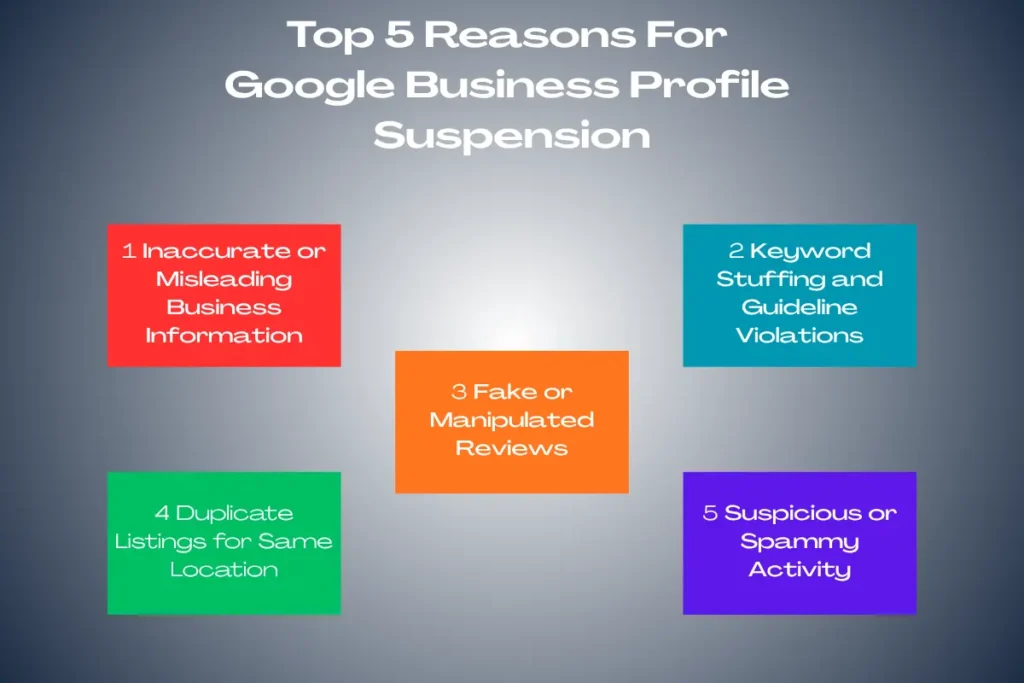
2. Duplicate Profiles: You maintain multiple Google Business Profiles for the exact same business at the same location. Google wants a single, authoritative source of truth.
3. Spammy Activity: This includes unusual review activity (fake reviews), sudden drastic changes to your profile information, or linking to low-quality websites.
4. Service Area Business (SAB) Issues: If you’re an SAB, you shouldn’t display a physical address unless customers can visit a staffed location during business hours. Many SABs display an address and Google suspends their profile.
5. Ownership Issues: Disputes over profile ownership or unauthorized access can also cause suspensions.
What Do I Do Now? Your Immediate Action Plan
As soon as you discover your profile is suspended, take a deep breath and follow these steps:
Step 1: DO NOT Create a New Profile! This is crucial. Creating a new profile only complicates matters, potentially leading to further suspensions or even a permanent ban. Focus on reinstating your existing profile.
Step 2: Review Google’s Guidelines Thoroughly. Before you do anything else, go directly to the source. Read Google’s Business Profile quality guidelines and policies in detail. Compare them against every piece of information on your suspended profile. Link: Google Business Profile Guidelines
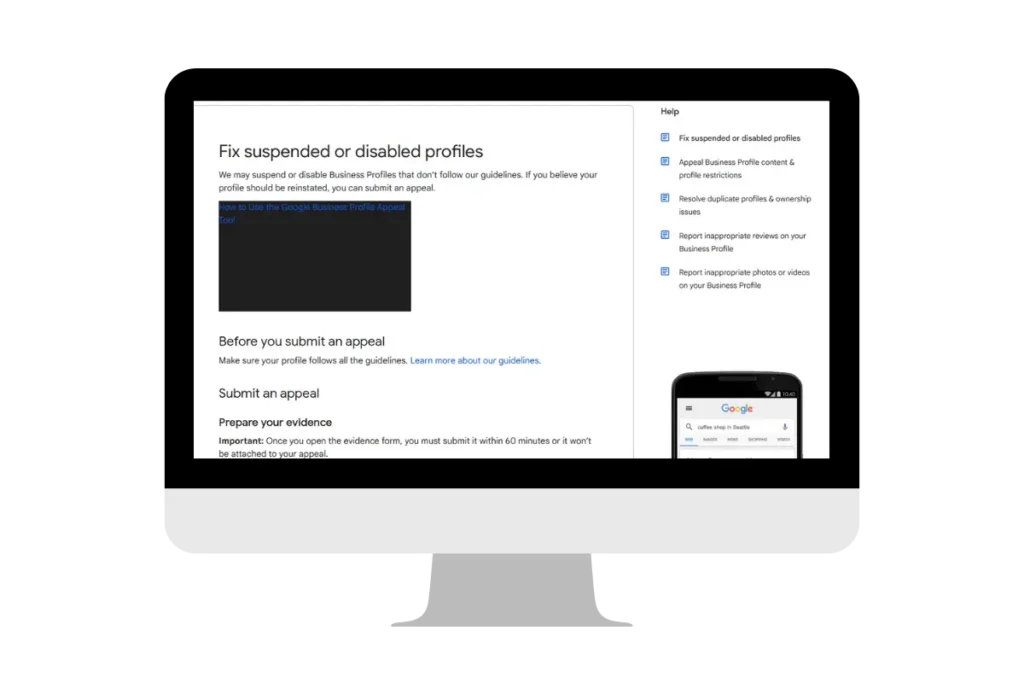
Step 3: Identify and Rectify All Violations. This is where you become a detective. Go through your profile with a fine-tooth comb.
- Business Name: Is it your exact, legal business name? Remove any marketing taglines or extra keywords.
- Address: Is it accurate and verifiable? If you’re an SAB, ensure you hide your address.
- Categories: Are your primary and secondary categories accurate and relevant?
- Website: Does your website URL lead to a working, relevant website for your business?
- Description & Services: Is all text factual and free of keyword stuffing?
- Photos: Are all photos relevant, high-quality, and free of inappropriate content or excessive text overlays?
“… even seemingly minor details can trigger a suspension. Be meticulously honest …”
Step 4: Gather Supporting Documentation. Google often asks for proof that your business is legitimate and operates at the stated location. Gather the following:
- Business Registration Documents: Articles of Incorporation, LLC registration, business license.
- Utility Bills: For the business address (electricity, gas, internet – not phone bills).
- Photos/Videos of your Business: Interior and exterior photos, signage, street view showing your business name and address, if applicable.
- Proof of Business Operations: Invoices, supplier agreements, employee rosters.
Initiating the Reinstatement Process
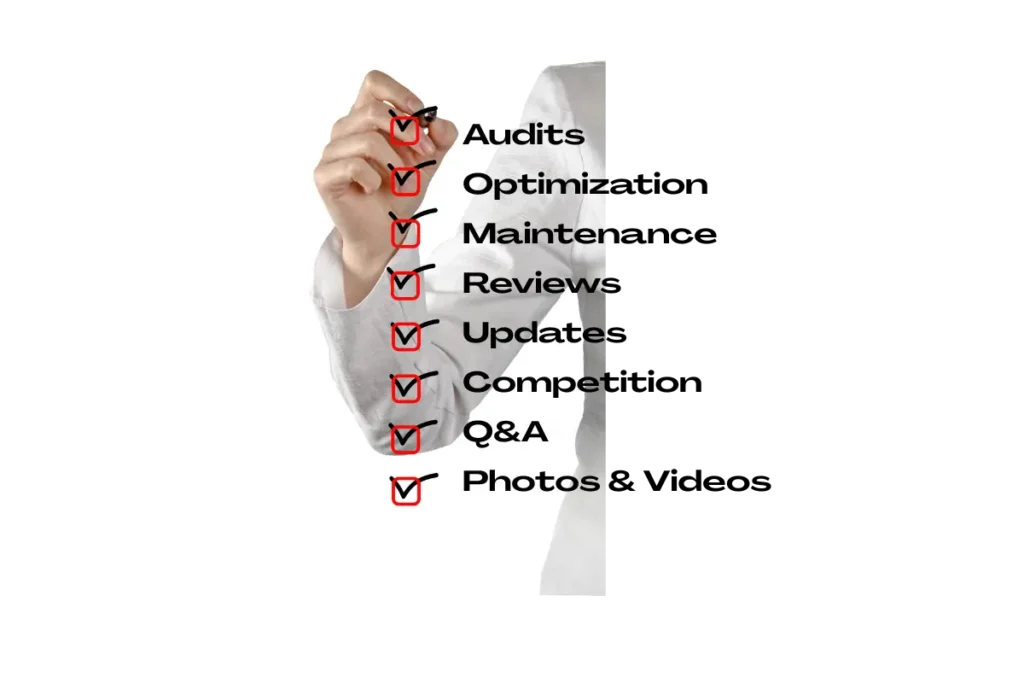
Once you’ve corrected all identified issues and gathered your documentation, you initiate the reinstatement request.
Step 1: Submit a Reinstatement Request. Google has a specific form for reinstatement requests. Fill it out completely and accurately. Link: Google Business Profile Reinstatement Request Form
Be concise and honest in the “reason for suspension” box. Explain what you’ve identified as the issue and how you’ve corrected it. Attach all your supporting documentation.
Step 2: Be Patient (But Persistent). Google’s review process can take anywhere from a few days to several weeks. Avoid submitting multiple requests, as this slows down the process. You’ll usually receive an email confirmation that your request has been received.
Step 3: Check Your Email Regularly. Google may ask for further information or clarification via email. Respond promptly and provide any additional details requested.
When to Seek Professional Help: Your Suspension Resolution Service
While you can navigate the reinstatement process yourself, it can be complex, time-consuming, and frustrating, especially if you’re unsure of the exact violation. This is why a specialized suspension resolution service becomes invaluable.
How a Suspension Resolution Service Can Help:
- Expert Diagnosis: Professionals quickly identify the root cause of the suspension, often spotting subtle guideline violations you might have missed.
- Efficient Rectification: They know exactly what changes the profile needs to bring it into compliance.
- Documentation Assistance: They help you compile the correct and most compelling documentation to support your reinstatement request.
- Direct Communication Channels: Some services have established relationships or a better understanding of Google’s internal processes, potentially streamlining communication.
- Reduced Stress & Faster Resolution: You focus on running your business while experts work to get your profile back online.

Don’t let a GBP suspension cripple your local online presence. Take decisive action, understand the guidelines, and don’t hesitate to seek expert assistance if the process overwhelms you. Getting your Google Business Profile reinstated is critical for your visibility and continued success in the local market.
Need help getting your Google Business Profile reinstated? Click below to Optimize your Google Business Profile which includes resolving suspension situations.
Post Categories